Enable Media Push
Media Push enables you to stream audio and video from Agora channels to CDNs and other RTMP-based platforms. To enable Media Push in Agora Console:
-
Log in to Agora Console, and click Projects in the left navigation panel.
-
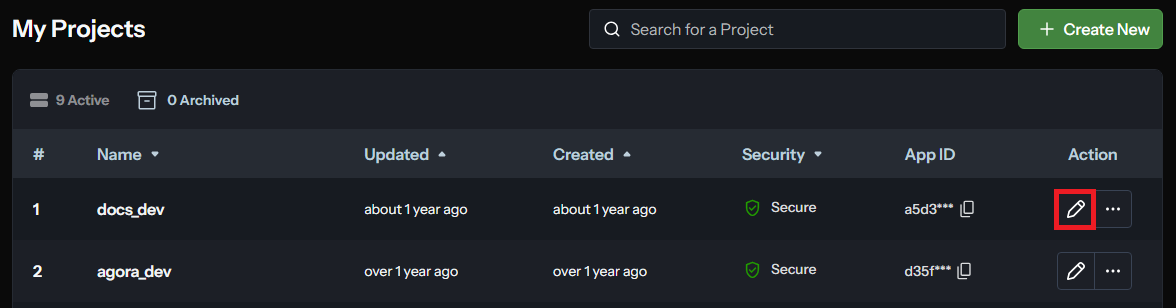
Under My Projects, find the project for which you want to enable the Media Push service, and click the edit icon.
-
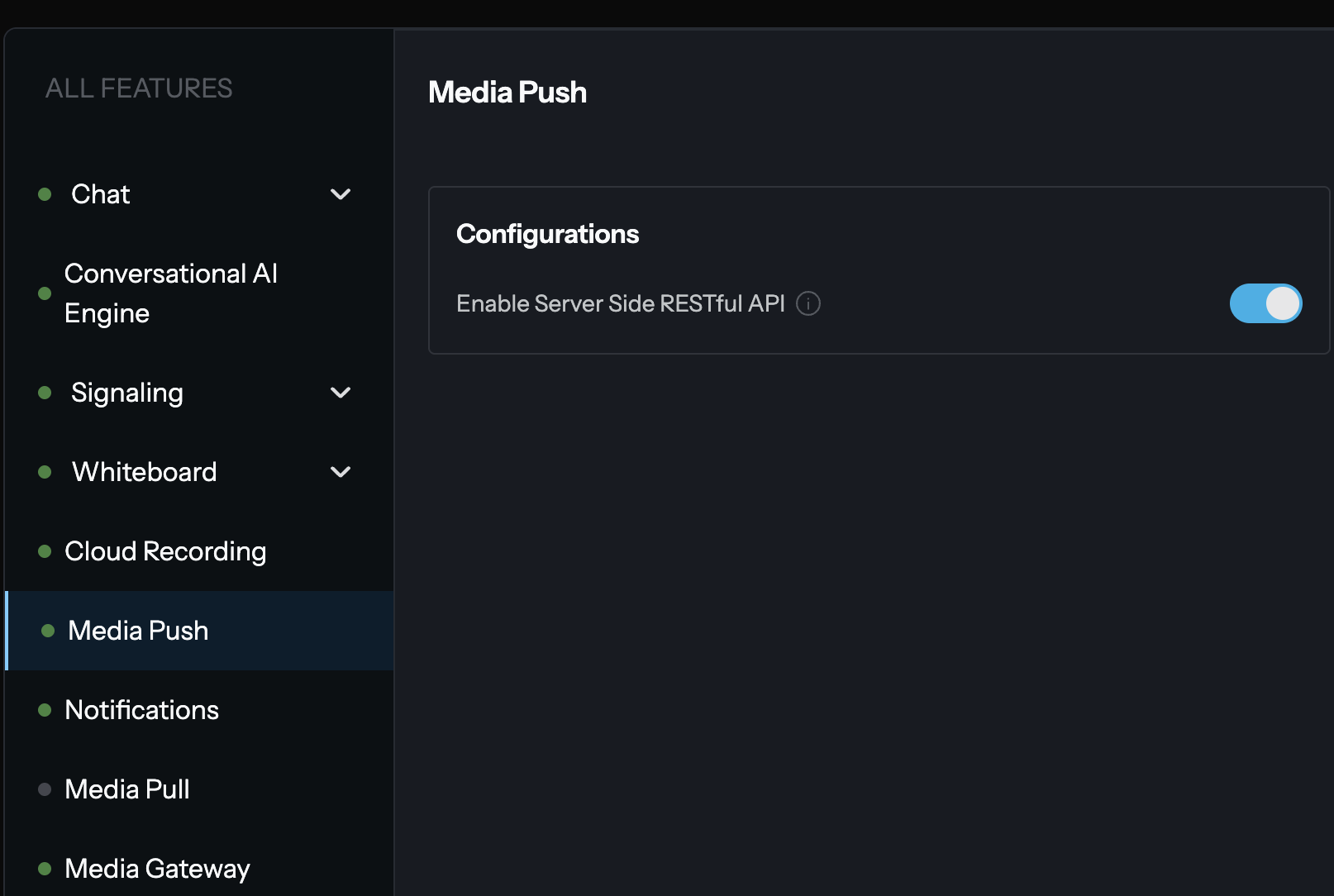
Under All Features, find Media Push, and click Enable Server Side RESTful API.
-
Read the pop-up prompt carefully, and then click Confirm.
infoYou cannot disable the service once you enable it.
The Media Push panel shows an Active label. You have now enabled Media Push.
To process a media stream and push it to a CDN, you create a converter in the Agora channel. To create and manage converters, see Use RESTful API.